
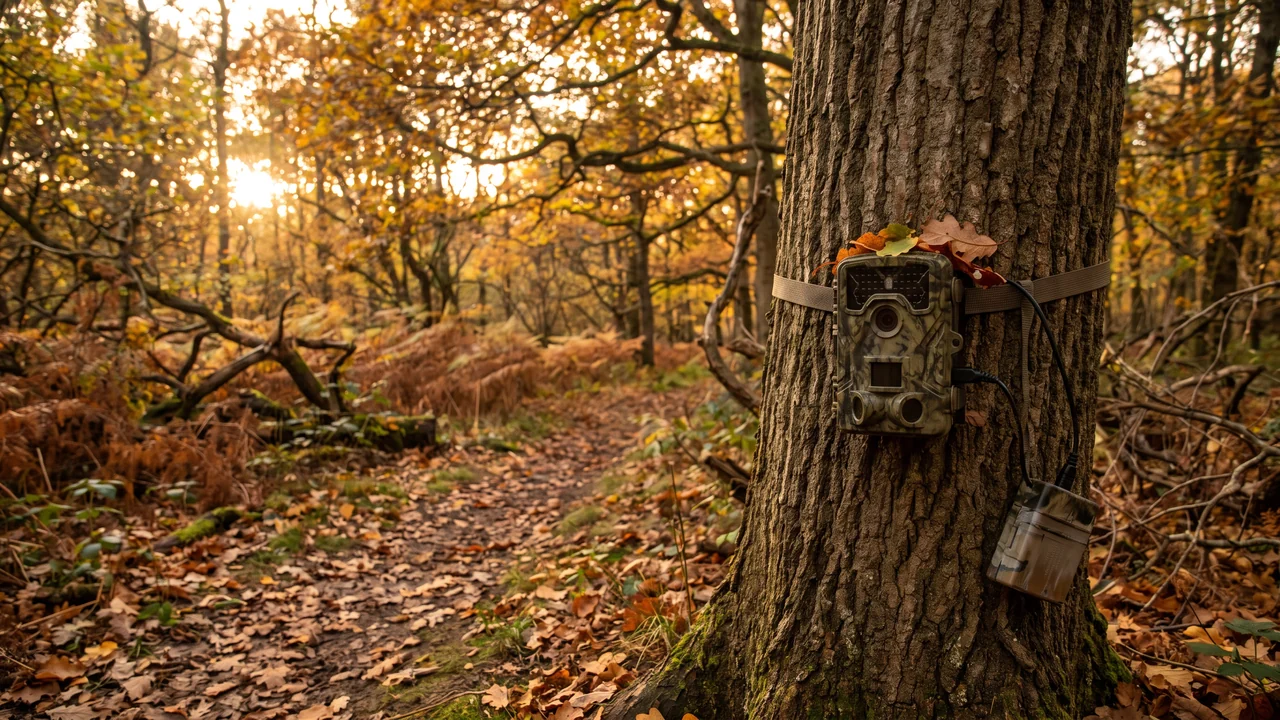
How long do trail cameras record? Card, battery, settings
How long do trail cameras record? Most record only when something triggers them, so a 32GB card and eight AA batteries can often cover several weeks to a few months in a quiet spot. Clip length, video quality and how busy the site is deciding the real figure.
This guide is for garden wildlife watchers, farmers, deer managers and anyone keeping an eye on a barn, field or sett. It shows you how to estimate card and battery life before you strap the camera to a tree, and which settings to change so it lasts the whole period you plan to monitor. You will also see where mains, solar or cellular power makes sense, and which common mistakes waste recording time.
In short
- A trail camera records only when its sensor is triggered, so the total recording time depends on how often it triggers and how long each clip runs.
- Card capacity, video resolution and clip length decide how many clips fit on the card before it fills.
- Battery life is shorter in cold weather, so use fresh cells, or solar power for long unattended periods.
- Set clip length and trigger delay to match what you want to film, and check the rules on filming neighbours and public paths before you deploy.
How long can a trail camera record? The short answer
A trail camera can record for anything from a few days to several months, because it does not film all the time. It waits for movement and body heat, then saves a short clip or a set of photos. The answer for your camera depends on four things: the size of the card, the length of each clip, how often animals trigger it, and how long the batteries or solar supply last.
Location matters more than most people expect. A camera pointed at a busy badger run can fire dozens of times a night and fill a card in days. The same camera on a quiet hedge line might record a handful of clips a week. Wind is the other culprit. Moving brambles and long grass in front of the lens can trigger the sensor all night, so the card fills with footage of nothing.
Because of this, recording time is a calculation rather than a fixed figure. Divide the usable space on your card by the average size of one clip, then divide that by the average number of clips per day. The result is the number of days before the card is full. Leave a margin, since a formatted card never offers its full labelled capacity. If you need more room, a larger microSD card from 16GB to 256GB is the simplest fix, provided your camera supports that size. The next sections show how to find each number for your own camera.
Why a trail camera does not record all the time
A trail camera sleeps until something warm moves in front of it, then records for a set time and waits before it can fire again.
- A passive infrared (PIR) sensor watches for heat and movement across its field of view, so a fox crossing the frame triggers it while a still, cool object such as a gatepost does not.
- Sun-warmed grass, branches swaying in wind and bramble stems close to the lens can all fool the sensor, so a camera pointed at a bank of bracken can fill a card with empty clips in a single breezy afternoon.
- The trigger delay, sometimes called the interval, sets how long the camera waits after a recording before it can respond again, and a short delay of a few seconds catches a passing herd while a delay of a minute or more cuts down repeat clips of one animal lingering at a feeder.
- Video clip length decides the file size of each trigger, so a 10-second clip takes roughly a third of the space of a 30-second clip at the same resolution.
- Photo mode and video mode fill a card at very different rates, since a single photo is a small file and a burst of three is still modest next to video, so choose photos for counting visitors at a hedgehog feeding station and video for watching behaviour at a sett entrance.
- At night the camera switches to infrared, and if badgers, foxes or cats pass often after dark you will usually see more clips between dusk and dawn than during the day, which makes a night vision wildlife camera useful, but it also means the card fills faster than you might expect.
- If you are starting in a back garden, a garden wildlife camera with adjustable delay and clip length lets you trim these settings after the first few days, once you can see how busy the spot really is.
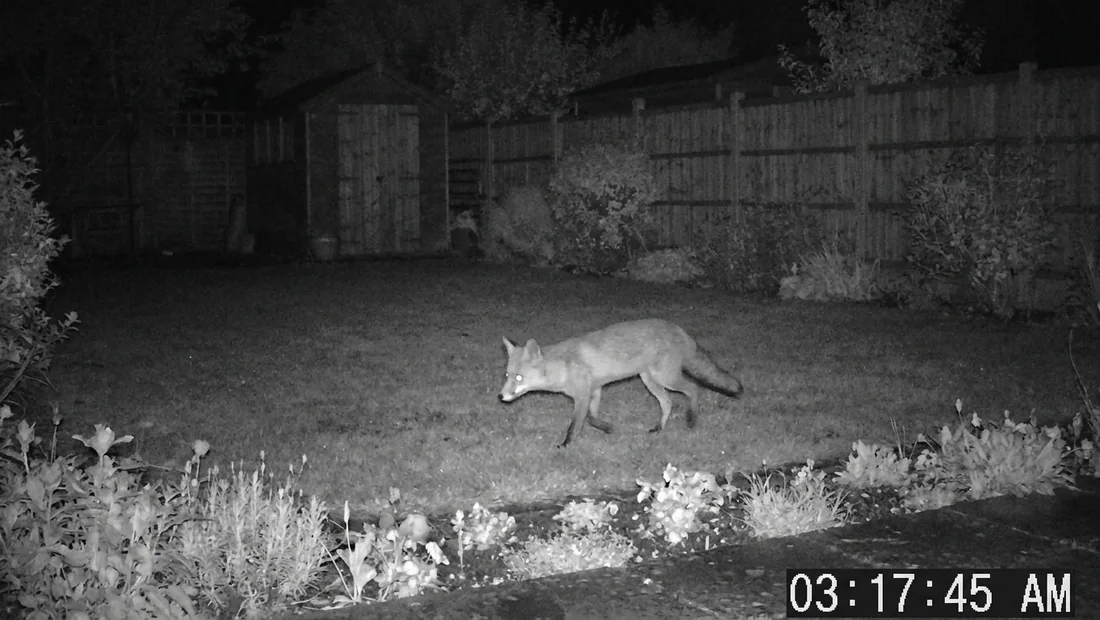
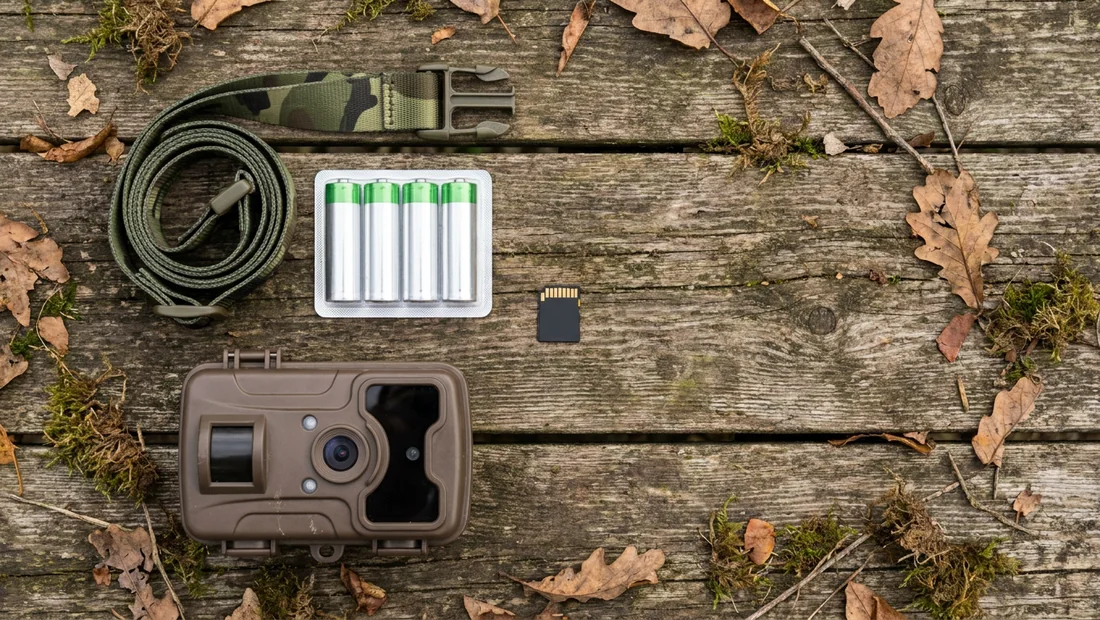
Work out your card capacity in four steps
Check resolution and clip length
Open the camera menu and note the video resolution, the clip length and whether the camera is set to photo, video or both. A 10-second clip at 1080p is a very different file from a 60-second clip at 4K, and the gap in size can be several times over. If you want sharper footage, a 4K or high-resolution trail camera will fill a card faster, so plan for that from the start.
Run a short test at the site
Set the camera where you intend to leave it, at the height and angle you plan to use, and leave it for three to five days. Then check the card on a computer and write down the typical file size and the number of files. Placement matters here. A camera facing a busy lane or a bramble that moves in the wind will log far more triggers than one aimed at a quiet sett entrance.
Estimate clips per day
Divide the number of files by the days of the test to get a daily average. Then add a margin. Nights with a fox passing repeatedly, a spell of windy weather or a rutting season in deer woodland can easily push the count well above your average. Multiply your padded daily figure by the average file size, then by the number of days you plan to monitor. That gives the space you need.
Choose a card and format it
Pick a card that covers your total with at least a third spare. A microSD card for a trail camera comes in sizes from 16GB upwards, but many cameras only support up to 256GB or 512GB, so you can match it to the estimate rather than guess. Check the maximum card size in your camera manual first. Format the card in the camera itself before use, not on a computer, so the file system suits the device.
Battery life and cold weather
Batteries usually run out before the card fills, especially in a British winter. Power use rises each time the camera triggers, each time the infrared flash fires at night, and each time the temperature drops. A camera on a busy badger path in January will use its cells far faster than one watching a quiet gate in May, even with identical settings.
Start with fresh cells of the type the manual specifies, and never mix old and new in the same camera. One weak cell drags the whole set down and can cut recording short without warning. Alkaline AA cells lose a lot of capacity in the cold, so a set that lasts weeks in autumn may fade within days of a hard frost. Lithium AA cells cope better with low temperatures, provided the camera accepts them, so check the manual before fitting any. For milder spells, a pack such as the Energizer AA alkaline batteries for trail cameras is a sensible, correctly sized choice.
Read the battery level in the camera menu at every visit, and do not trust the icon alone, because alkaline cells can show a healthy bar and then drop suddenly. Swap cells before the busy season starts, such as the autumn deer rut or the spring nesting period, rather than waiting for a gap in your footage.
Placement also matters. If you can, aim the camera away from constant movement, such as a feeder beside a well-used path, because every passing blackbird or swaying branch triggers a clip and uses power. Put the feeder at the edge of a rarely used route, or angle the lens so that only the area you care about is in the detection zone.
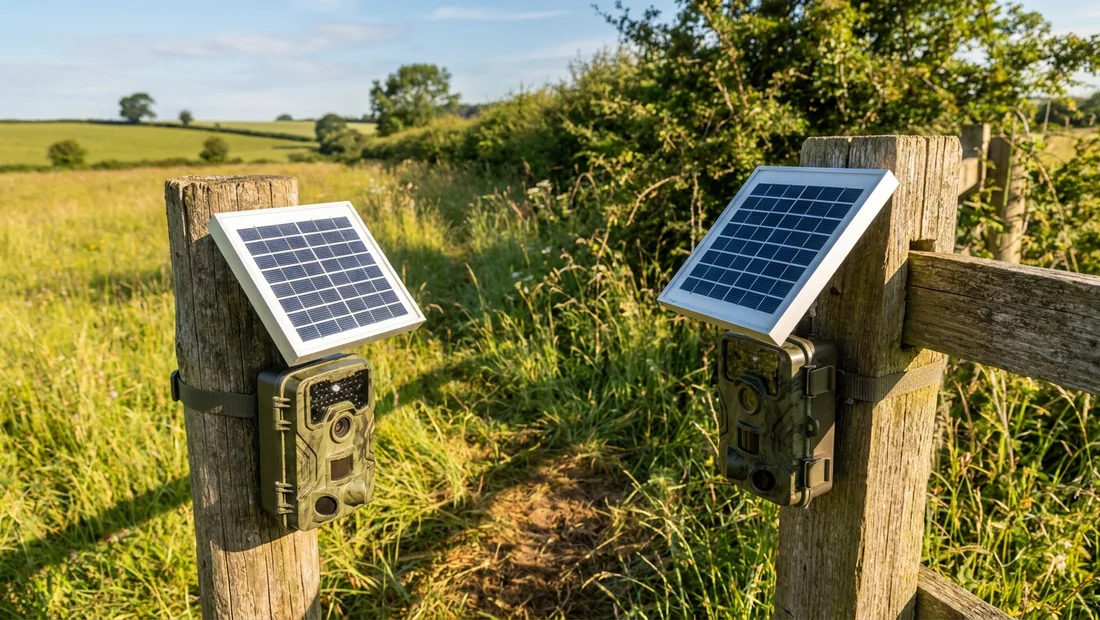
Run it for months: solar, mains or cellular
A trail camera can watch a site for weeks or months if you supply power from outside and keep an eye on card space.
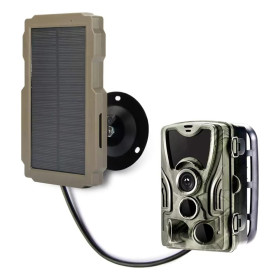
- A solar panel charges the camera's battery during daylight, so it suits an open site with clear sky above the camera, such as a field gate, a paddock fence or a yard wall facing south.
- Mount the panel facing the sun and angled down slightly so rain runs off, and keep it out of shade from trees, hedges and eaves, because even partial shade cuts the charge a lot in winter.
- Secure the panel cable with cable ties or clips along the post or fence so the wind cannot make it chafe, and leave a small loop below the camera so water drips off before it reaches the socket.
- If you want to add one to a camera you already own, a unit such as a solar panel kit with a 3000mAh battery and 6V to 12V output is one option, but check the voltage and the connector your camera needs first. You can find cameras with built-in solar charging in our solar trail cameras range.
- A mains adaptor suits a barn, garage, shed or outbuilding where a socket is close by, and it removes battery swaps altogether. Run the lead out of reach of livestock, rodents and foot traffic, and use a weatherproof connection if any part of it sits outside.
- Cellular cameras send photos or short clips to your phone, so you can check a sett or a yard without walking out to it. How well they work depends on the data plan you choose and the signal at the exact spot, so test the signal at camera height before you fix the unit in place.
- Solar, mains and battery supply decide how long the camera keeps running, and none of them changes how much footage the card can hold, so work out card space as well and format the card before each long run.
Common mistakes that cut recording time, and privacy rules
Most wasted recording time comes from a handful of setup errors, and nearly all of them can be fixed in the first five minutes at the site.
- Long grass, bracken and hedge branches moving in the wind set off the motion sensor again and again, so clear the view in front of the lens and aim the camera at bare ground, a trail or a feeder instead.
- A trigger delay of a few seconds makes the camera record a new clip every time the same fox or deer shifts its weight, so lengthen the delay to 30 seconds or a minute at a feeding spot where animals linger.
- Check the date and time after every battery change, because many cameras reset the clock when the power is removed and your footage will then carry the wrong timestamps.
- Strap the camera to a solid trunk or post and fit a lockable cable such as the 1.75m trail camera security cable with key lock, then look at the framing on every visit to confirm it has not slipped or been knocked.
- Keep the field of view on land you own or manage, and avoid neighbours' windows, their gardens and public footpaths, since all of these will pull in footage of people you have no reason to film.
- Recordings of identifiable people, including faces and vehicle number plates, can count as personal data under UK data protection rules, so a camera covering a yard or barn may need a sign and a clear reason for its use.
- Delete clips of people you did not intend to film, and do not share them online.
Our picks


Set the clip length to the shortest that still shows what you want, and use a freshly formatted card with plenty of spare room. Short clips at a sensible resolution stretch both card and batteries across weeks, although cold weather drains batteries faster. If your current card fills too fast, you can browse our microSD cards for trail cameras, from 16GB to 256GB, then check the rules on filming neighbours and public paths before you deploy.
Match your card and batteries to how long you plan to record
Choose a microSD card and power supply sized for the period you want to monitor. Every order ships with free tracked Royal Mail delivery, and you can return it within 30 days for a refund.
View SD Card For Trail Camera 16GB To 256GB MFrequently asked questions
How long do trail cameras record for?
It depends on clip length, how often the camera triggers, card size and battery. Most clips run 5 to 60 seconds. To estimate, set up a short test at your site, note the average clip size, then divide the card's usable space by that figure. Busy sites fill a card far faster than quiet woodland.
Do trail cameras record video?
Most current models do. In video mode the camera records a clip after each trigger. In photo mode it takes stills, sometimes in a burst. Pick the mode that suits what you need to see. Video shows behaviour well, but it fills cards and drains batteries faster than photos.
How do trail cameras record?
A passive infrared sensor picks up heat and movement from an animal crossing its field of view. The camera then wakes and takes a photo burst or video clip. After that it waits for a set trigger delay before it can record again. Shorter delays catch more activity but use more power.
Can trail cameras record video at night?
Yes. Infrared LEDs light the scene without a visible flash, so most models record night video in black and white. Infrared clips use more battery, especially at busy sites where the camera triggers often after dark. Fit fresh lithium or good alkaline cells and check the infrared range before you rely on it.
How many days do trail cameras record for?
Trail cameras do not record all day. They only record when triggered, so a unit can last weeks or months if activity is low and the power is managed well. Use a card of 32 GB or more, fresh batteries and a modest clip length. Check it after the first week to judge your own site.
Related posts
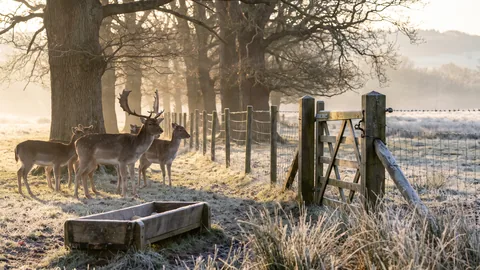 Deer Management: Counting and Monitoring Deer with Cameras
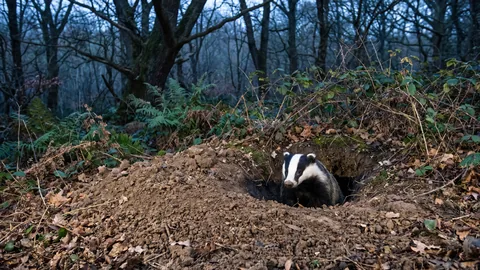 Badger Watching: How to See Badgers Without Disturbing Them
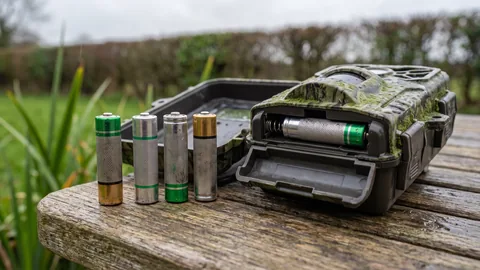 Alkaline AA Capacity: What mAh Means in a Trail Camera
 Trail Camera SD Card Reader: View Photos on PC or Phone
 Trail Camera SD Card Not Reading? Fix It Step by Step