
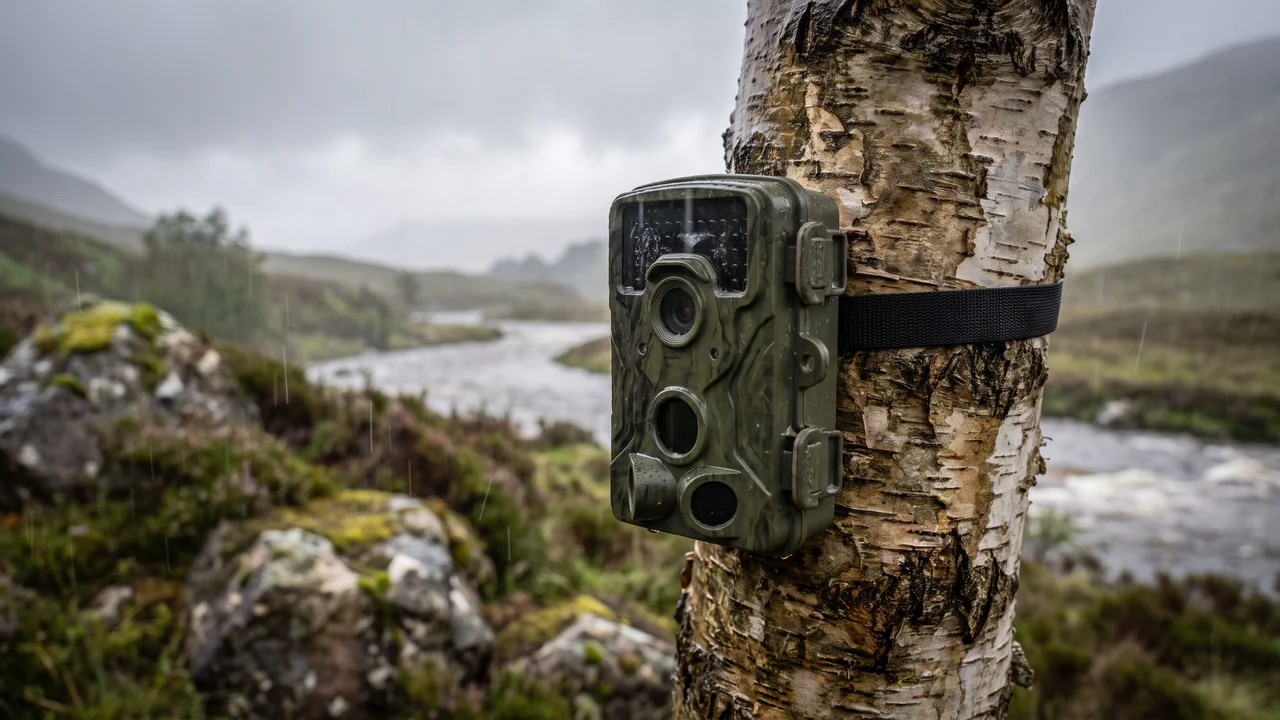
Trail Camera Battery Life: How Long Batteries Really Last
Trail camera batteries typically last from a few weeks to several months, depending on the number of triggers, night illumination, video length, mobile signal and temperature. Dead batteries after two weeks often point to heavy activity, weak or unsuitable batteries, cold weather, poor reception, or a setting that keeps the camera awake.
This guide is for backyard wildlife watchers, naturalists, landowners, farmers, property managers and anyone monitoring a yard, barn, field or rural boundary. It explains how to choose batteries, adjust capture settings, use solar or external power, and check a camera before installation. You will also learn how to tell a power-hungry setup from a possible fault.
In short
- A standard trail camera using quality alkaline AAs typically runs for weeks to a few months; night-heavy use and cold weather shorten that sharply.
- Wi-Fi and 4G cameras drain faster because the radio and uploads use power, so a solar panel or external battery pack is highly recommended.
- Lithium AAs cost more but last longer and cope with frost far better than alkaline.
- Rapid battery drain is usually caused by long video clips, short trigger intervals, frequent night triggers and leaving Wi-Fi on.
How long do trail camera batteries last?
A standard trail camera running on alkaline AAs typically lasts from several weeks to a few months. A quiet garden in mild weather may produce a longer run, while a deer trail, game run, or field edge with frequent movement can drain the batteries much sooner. Night recording and cold weather also shorten run times.
The camera itself is only one part of the calculation. Each trigger uses power to wake the sensor, process the image and save it to the SD card. Video clips usually consume more energy than still photos, especially when they are long or recorded at high resolution. Nighttime infrared illumination adds another demand, with stronger IR output using more power. A camera beside a busy feeder can therefore use its batteries far faster than the same model watching a quiet woodland path. This also applies to 4K and high-resolution trail cameras, depending on how they are configured.
Wi-Fi and 4G models generally use more power than a plain camera because they must run a wireless connection and send files. Upload frequency, signal strength and the number of clips sent can change the result considerably. Temperature matters too: alkaline batteries lose capacity in cold conditions, so winter battery life can be much shorter than in summer. In practice, these five factors, triggers, clip length, night IR use, wireless activity, and temperature, determine how long your batteries will last in the field. Check those factors before assuming the camera is faulty or choosing replacement trail camera accessories.

What drains a trail camera battery fastest
The biggest drain is usually nighttime infrared illumination, followed by long recordings, frequent triggers and wireless uploads.
- Infrared LEDs use considerably more power after dark, especially when the camera records many night scenes or illuminates animals at the far end of its stated range. Check your camera's manual to see whether it uses standard or low-glow infrared LEDs, as low-glow models draw less power.
- Long video clips keep the image sensor, processor and microphone working for every trigger, so a 30-second clip uses more energy than a short photo sequence.
- A short trigger interval can cause repeated recordings when an animal remains in front of the lens, draining the battery much faster.
- Leaving Wi-Fi on can drain a battery even when no one is viewing the camera, while 4G models use extra power when uploading full-size photos or videos.
- Cold nights reduce the useful output of batteries, and cheap carbon-zinc cells tend to perform poorly in low temperatures compared with better-quality alkaline or lithium cells.
- Moving grass, leaves and hedge branches can create frequent false triggers, while warm surfaces such as sunlit ground, livestock or buildings may also activate the motion sensor.
- To maximize your trail camera battery life, clear the detection zone, shorten video clips, lengthen the trigger interval, and reduce wireless uploads before buying more batteries. A camera aimed at a busy path or swaying branch will drain its cells quickly.
Which batteries to use in a trail camera
For a short deployment in mild weather, quality alkaline AAs are usually suitable. Choose lithium AAs for frost, winter visits and longer unattended periods. Rechargeable NiMH cells can reduce running costs if you can swap and recharge them regularly, though their lower voltage and poorer cold-weather performance mean you should check your camera's compatibility first. Always confirm the battery type and voltage listed by the camera maker before buying. For example, Energizer AA alkaline batteries are 1.5V LR6 cells for cameras that specify standard alkaline AAs.
| Battery type | Best suited to | points to check |
|---|---|---|
| Alkaline AA | Mild weather and short deployments | Cold can reduce output quickly. Replace the full set together. |
| Lithium AA | Frost, winter work and long unattended deployments | use primary lithium cells unless the camera specifically supports rechargeable lithium batteries. |
| Rechargeable NiMH AA | Regular monitoring where you can recharge cells | Most are 1.2V, so some cameras may show a low-battery warning early. Cold also reduces performance. |
| Mixed batteries | Never use | Never mix brands, ages or chemistries. Fit a matched set with similar charge or condition. |
Settings that stretch battery life
Choose photos first
Use photo mode for the longest run time. If you need movement, choose a short video clip of 5 to 10 seconds rather than a long recording. A model such as the Trail Camera 36MP 2.7K Video 0.1s Trigger IP66 can offer both options, so set the mode to match the animal you expect.
Set a sensible interval
Set the trigger interval to 30 seconds or longer on a badger path, feeding area or field edge. This gives the camera time to sleep between triggers when an animal remains in front of it. Use a shorter interval only when you need a close sequence of fast-moving activity.
Reduce night recording load
Choose a lower night-video resolution if the menu allows it. Keep clips short and use the lowest infrared intensity that still gives a clear image. Longer clips and bright IR use more power during every night-time trigger.
Limit wireless connections
Turn WiFi off after checking images. On a 4G camera, send thumbnails instead of full videos, and set uploads for selected times if the camera supports scheduling. Continuous remote access and frequent large uploads can cause rapid battery drain.
Clear the view
Aim across the path rather than straight along it, and remove grass, twigs and loose leaves from the detection zone. Moving vegetation can trigger repeated images. Keep direct sun out of the lens path, especially at sunrise and sunset, and use a firm mount such as this metal tree bracket with ball head to prevent movement.
Solar, external power and 4G cameras
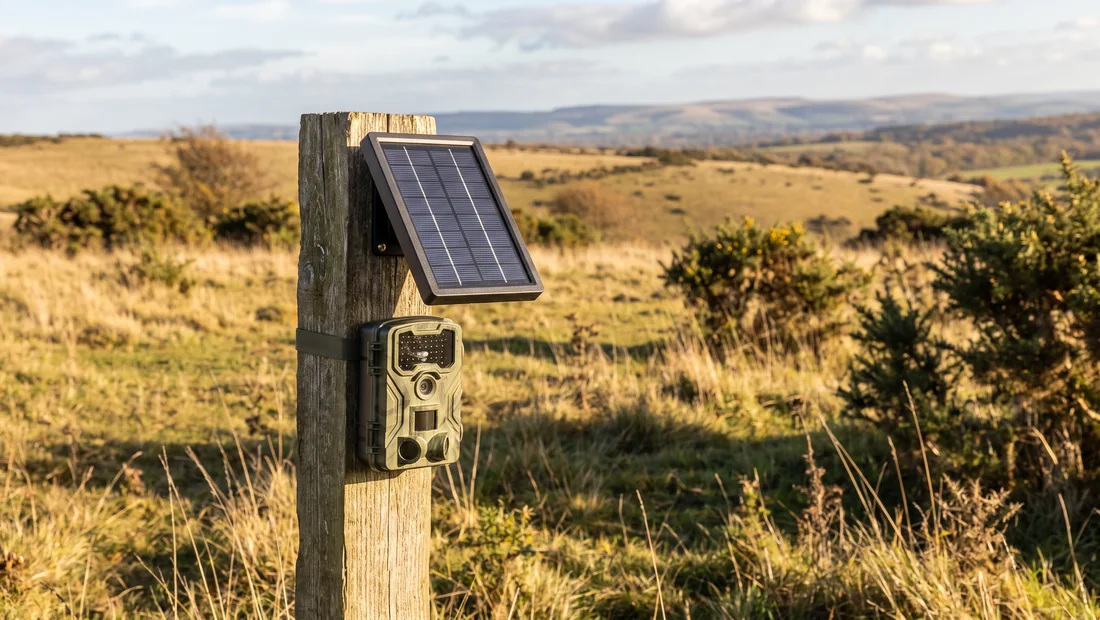
Solar power suits a camera that must stay in the field for weeks or months, especially a 4G model that uses extra power to send photos or video. A panel tops up the camera’s rechargeable battery during daylight. It adds little in deep shade, under dense woodland, or during short, dull winter days. For these sites, check the battery level regularly and allow for a backup power source.
Place the panel where it receives the clearest daylight for most of the day. Keep branches, hedge growth and buildings out of its path. A longer cable can make positioning easier, though every extra foot adds another connection and can increase voltage loss. Secure the cable against the trunk or wall, leave a small drip loop below each connection, and keep plugs away from standing water. Browse our solar trail camera collection for compatible camera and panel options.
AC power is practical for a camera beside a barn, yard or shed, or any permanent installation with a safe indoor socket. Match the adaptor’s voltage, plug size and polarity to the camera. Protect the connection from rain and livestock, and use an outdoor-rated installation where required. A compatible trail camera AC adapter can remove the need for frequent battery changes, provided the cable can reach without being strained.
A simple battery routine before you hang the camera
Install fresh, matching batteries
use a complete set of new batteries of the same type, brand and age. Check the compartment diagram and confirm every cell follows the correct polarity. Replace the entire set at once rather than mixing old and new cells.
Format your SD card
insert a compatible card and format it through the camera’s own menu. Formatting removes existing files, so save anything you need first. Check out our guide on SD cards for trail cameras if you need a recommendation.
Test the camera overnight
Configure the camera with the exact settings you plan to use in the field. Leave it outside for one night, then check the photographs, trigger response, date stamp and remaining battery reading. A single night can reveal a poor angle, false triggers or a card problem before you lose several weeks of footage.
Record the installation date
Write the installation date on a label or save it in your phone. Note the battery type and starting battery level as well, along with the settings you chose. Tracking these details makes it easier to monitor your trail camera battery life between visits.
Check it after the first cold snap
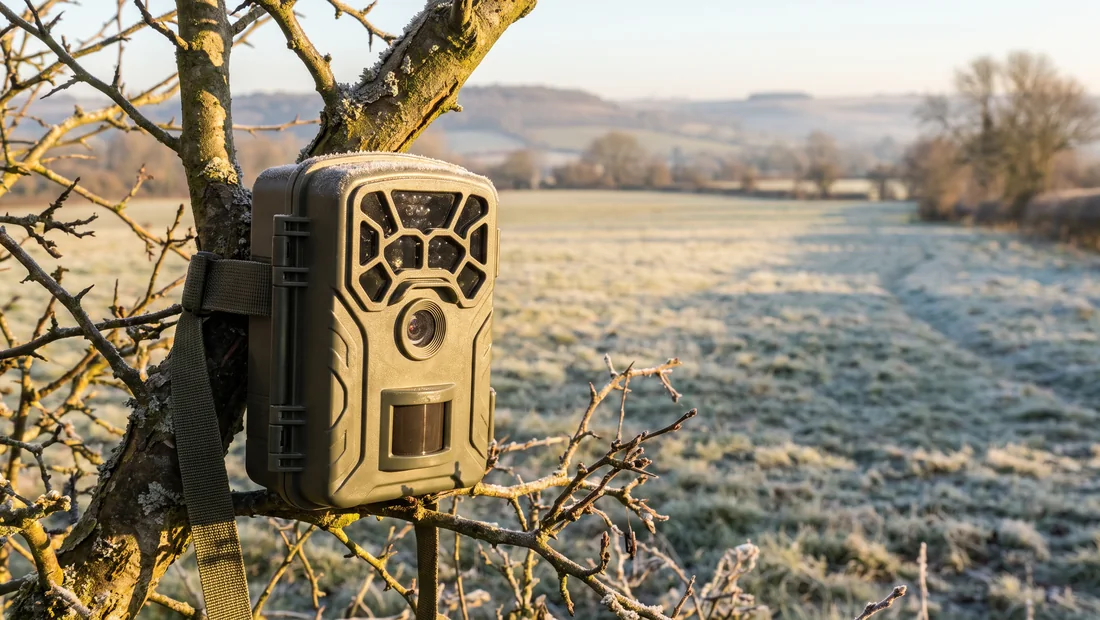
Cold weather significantly reduces battery performance, especially with alkaline cells. Inspect the camera after the first sharp frost and check for condensation, loose contacts or a sudden battery-level drop.
When short battery life means something is wrong
Batteries that die within a few days in photo mode usually indicate a setting problem, a power issue or a fault. First, replace the cells with a fresh, matching set and check the capture settings. A very short trigger interval, frequent night activation, or leaving the camera in video mode can cause heavy drain.
Inspect the housing before testing it again. Look for condensation, watermarks or corrosion around the battery contacts. Check that the IR cut filter moves between day and night positions as the ambient light changes. A stuck filter or one that keeps clicking needs attention. Try testing the camera with a known-good, properly formatted SD card. A card the camera cannot write may cause failed captures and repeated attempts.
Also, make sure Wi-Fi is turned off when you're not using it. Run the camera indoors for 24 hours with motion disabled, then compare the battery level. If it still loses power quickly, record the battery type, settings and test result. Contact the retailer while the camera is still under its manufacturer's warranty. Avoid opening the camera's internal housing, as this can let moisture inside.
Our picks

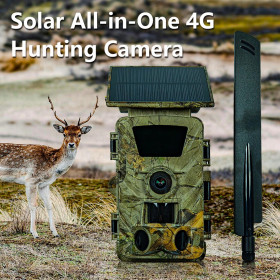
The best practice is to review your trigger settings before swapping batteries. Shorten video clips, increase the trigger interval, and disable Wi-Fi between SD card checks. Cold sites and frequent night activity may still call for lithium AAs or solar support. For remote locations, see the NaturaTrack 5K Solar 4G trail camera for longer unattended operation and simpler power management.
Power your camera properly
Match the battery to the job: lithium AAs for cold nights, a solar panel for a 4G camera on a fence post, or a solar 4G camera that tops itself up. Free tracked Royal Mail delivery on every order, 30-day money-back guarantee and a 2-year legal warranty.
View NaturaTrack 5K Solar 4G Trail CameraFrequently asked questions
How long do trail camera batteries last in winter?
They don't last nearly as long in winter as they do in summer. Freezing temperatures sharply reduce alkaline battery output, especially during repeated nighttime infrared use. Use lithium AA cells for cold-weather setups, or add a solar panel where the camera receives several hours of direct light. Mount the camera in the shade, but make sure the solar panel remains unobstructed.
Do lithium batteries last longer than alkaline in a trail camera?
Yes, lithium batteries generally last longer, especially in cold weather and during long unattended deployments. They provide steadier power as temperatures fall and cope well with repeated infrared flashes and cellular uploads. Because lithium costs more upfront, alkaline cells are fine for short-term use in mild weather, but lithium is usually the better choice for remote cameras where maximizing trail camera battery life is critical.
Why are my trail camera batteries dying so quickly?
Nighttime infrared use, long video clips, short trigger intervals and wireless functions commonly drain batteries quickly. Check the settings before suspecting a fault. Reduce clip length, lengthen the trigger delay, lower the photo resolution and turn off Wi-Fi when not in use. On 4G models, reduce upload frequency and check for a weak signal.
Can I use rechargeable batteries in a trail camera?
Yes, if the camera supports NiMH rechargeable cells. Their lower voltage can make some cameras show an early low-battery warning or shut down early, and cold weather reduces their performance further. They suit mild conditions and short deployments. Use a matched set of fully charged cells, and avoid mixing rechargeable and disposable batteries.
Does a solar panel keep a trail camera battery charged?
A solar panel can keep a camera topped up when it receives clear, direct sunlight, particularly on power-hungry 4G models. Deep shade, heavy leaf cover and short winter days may provide too little energy. Mount the panel above nearby vegetation, angle it towards the midday sun and keep the internal batteries installed as a backup for nighttime use.
Related posts
 Deer Management: Counting and Monitoring Deer with Cameras
 Badger Watching: How to See Badgers Without Disturbing Them
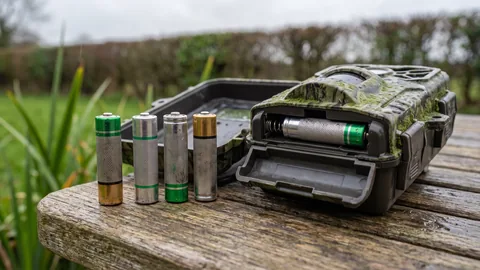 Alkaline AA Capacity: What mAh Means in a Trail Camera
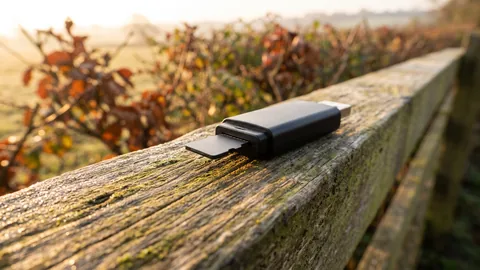 Trail Camera SD Card Reader: View Photos on PC or Phone
 Trail Camera SD Card Not Reading? Fix It Step by Step