
Bluetooth Trail Camera: How It Works and What to Buy
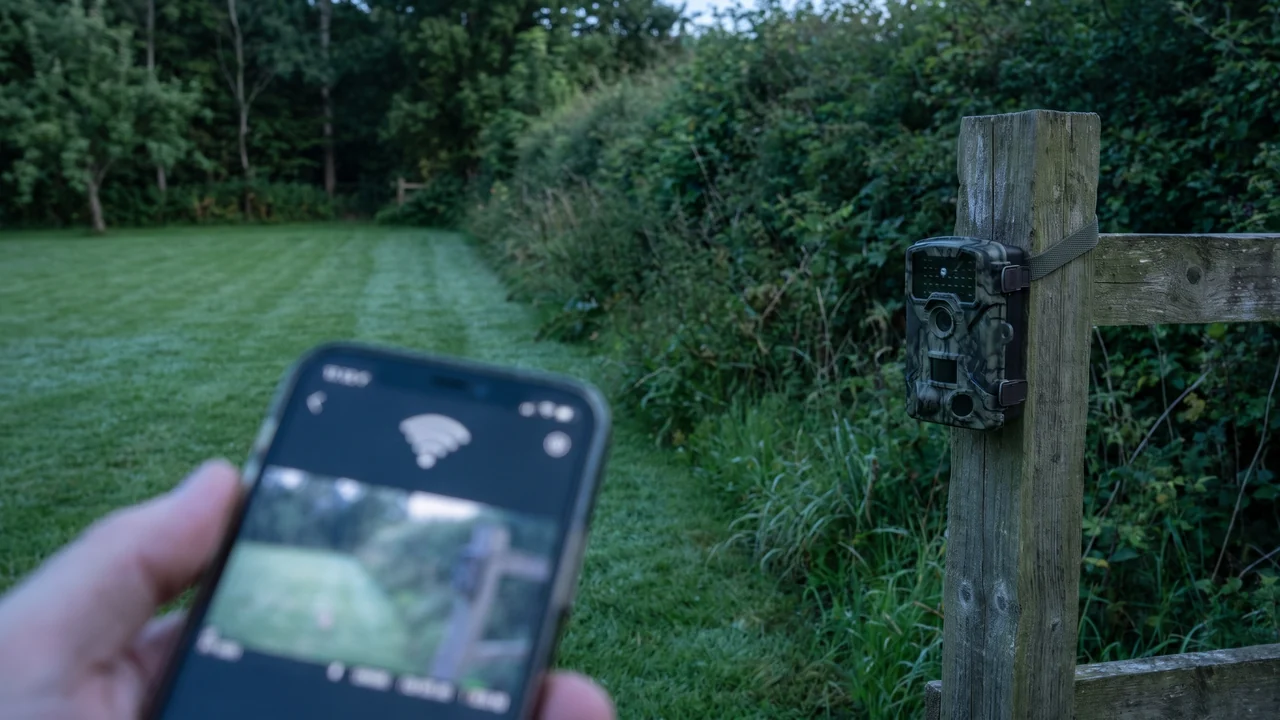
A Bluetooth trail camera does not send photos to your phone from across a field. It creates a short-range link, usually a few metres (longer in open ground on some models), so you can pair your phone, change settings and check images when you are standing near it. Many models add Wi-Fi for faster file transfer. Only a 4G camera with a SIM card sends pictures from a distance.
This guide is for garden wildlife watchers, landowners, farmers, deer managers and anyone keeping an eye on a farmyard or barn. It helps you decide which connection suits your site, which cameras suit a garden or a remote field, and how to avoid paying for features you will never use. It also covers the setup steps and mistakes that spoil footage.
In short
- Bluetooth is a short-range link between camera and phone. It suits set-up and checking images on site.
- It does not send pictures from a distant field to your home. For that you need a 4G cellular camera.
- With such a short range, you need to walk up to the camera, so place it where you can reach it without disturbing wildlife.
- For a garden, a bluetooth trail camera, ideally with a built-in viewing screen, is often enough. For remote land, choose 4G with a good power source.
How does a Bluetooth trail camera work?
A Bluetooth trail camera uses a short-range wireless link between the camera and your phone. You open the maker's app, pair the two, and then change settings or look at photos while you stand close by. The link does not reach across a field, and it does not send pictures to you while you are at home or at work.
In practice, you need to be within a few metres of the camera. Walls, trees, wet foliage and your own body can all weaken the signal, so the exact distance varies by model and by site. Check the manual for the figure the maker gives, and treat it as the best case in open air.
The camera still records everything to its own SD card. Bluetooth is simply how your phone talks to it. Nothing is uploaded to the internet unless the camera has a separate mobile data connection, which is a different feature. That makes Bluetooth a good fit for a garden camera you can walk up to each morning: you can check the night's footage on your phone without removing the card.
Wi-Fi works in a similar way, with the phone connecting directly to the camera over a short distance. It usually moves larger files, such as video clips, much faster than Bluetooth does. Many cameras use Bluetooth to start the connection and Wi-Fi to transfer larger files, so check the specification before you buy.
Bluetooth, Wi-Fi, 4G or a screen: which connection do you need?
Choose the connection by how far you will stand from the camera when you check it. Within a few metres, a Bluetooth trail camera or a Wi-Fi model is enough. Beyond the range of your phone's link, 4G is the option that sends pictures to you. If you would rather leave the phone at home, a built-in screen does the job.
| Connection | What it does | Best site | What to check |
|---|---|---|---|
| Bluetooth | Short-range link to your phone for set-up and looking at images without pulling the card | Garden, shed, anywhere you walk past the camera | You must be close. It does not send pictures from a distance |
| Wi-Fi on the camera | It makes its own network for your phone to join. Browse, preview and download images on site | Garden or small paddock, where you can stand near the camera | The range is short, and the camera is not connected to the internet. One example is this 4K Wi-Fi trail camera with no-glow night vision |
| 4G cellular | Sends pictures to your phone over the mobile network | Remote field, barn, woodland edge, gateway | Needs a data SIM, a data plan and mobile signal at the spot. Browse 4G cellular trail cameras |
| viewing screen | shows pictures and video on the camera itself | Quick checks in the field with no phone or app | Small screen, so detail is limited. See trail cameras with a viewing screen |
Before you buy, read the product listing closely. Makers use "app", "Wi-Fi" and "Bluetooth" loosely, and models differ in what they actually do. Check whether the phone link is for set-up only, for image transfer, or for live remote delivery.
Best trail cameras for a garden
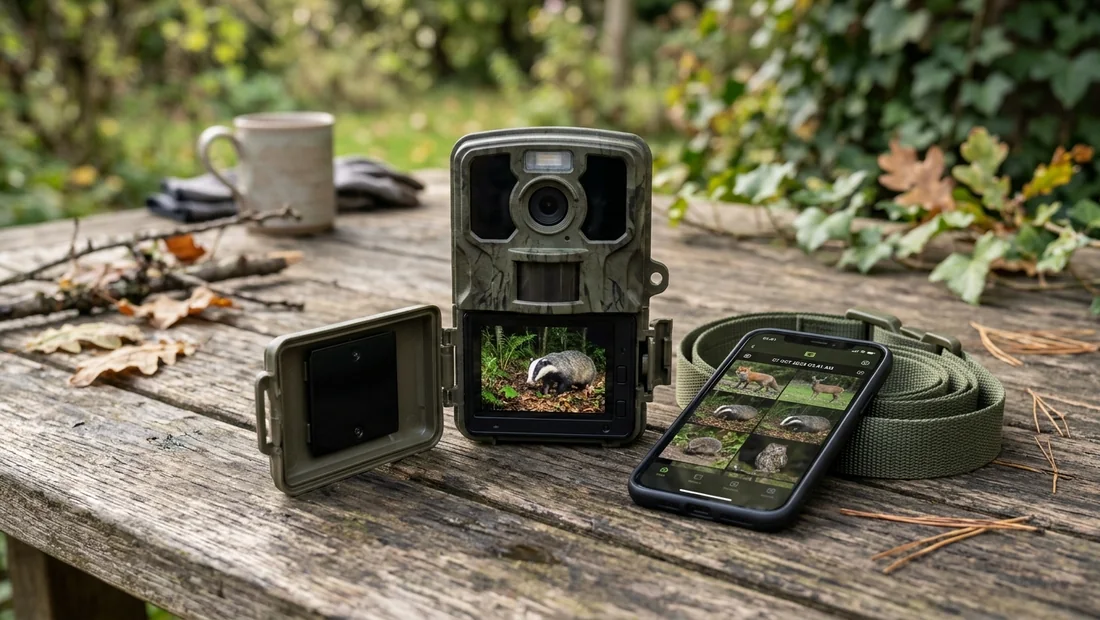
For a garden, pick a camera you can reach every day, because close range is where Bluetooth or Wi-Fi checking earns its place.
- Badgers, foxes and hedgehogs often follow the same routes, so one camera set low, roughly 30 to 50 cm above the ground, on a fence post, shed corner or stake covers most of what visits a lawn or border.
- The 4K Wi-Fi trail camera with 48MP stills and no-glow night vision suits this job, because you can stand a few metres away, connect your phone and look at the clips without pulling the SD card.
- Taking the card out every morning can shift the camera angle, and opening the card slot in damp weather risks moisture getting in, so a phone link or built-in screen saves time and keeps the aim steady.
- The 4K wildlife camera with 940nm night vision and a 2 inch screen is a sensible choice if you would rather check footage on the camera itself and skip pairing altogether.
- A no-glow (940nm) infrared flash gives no visible red light, which can matter in a garden, where a nervous fox may be put off by a visible glow from the lens.
- For tits, finches, woodpeckers and the occasional sparrowhawk, a camera made for feeders keeps the subject close and sharp, and you can browse the bird feeder cameras to see which mount and focus distance suit your feeder.
- Aim the lens along your own boundary or across the lawn, never towards a neighbour's windows or garden, as filming their space can raise privacy issues.
- If you want to compare more options for a small plot, the garden wildlife cameras collection groups them in one place.
When Bluetooth is not enough: fields, woodland and barns
A Bluetooth trail camera stops being useful the moment you have to drive to it. The link only reaches a few metres, so a camera on a far field gate, in a woodland ride or inside a barn at the end of the farm track will not send anything to your phone while you are at home. You would still walk up to it, connect and pull the files off, which is no quicker than simply taking out the SD card.
For sites like these, a 4G camera is the sensible choice. It uses a SIM card to send photos and short videos to an app, so you see a fox in the lambing shed or a person at the yard gate within minutes rather than at the next visit. You can compare options in our range of 4G cellular trail cameras, including a 20MP model with a no glow flash. A 940nm no glow flash is worth having when you are watching for people, as it is far less visible at night.
Signal strength decides whether it works. Before you fix anything to a post, stand at the exact spot with your phone and check the bars, then try loading a web page or sending a photo by message. If your phone struggles, the camera will too. Moving it a few metres, or higher up a tree, sometimes helps. A dip in a field or a dense conifer block often does not.
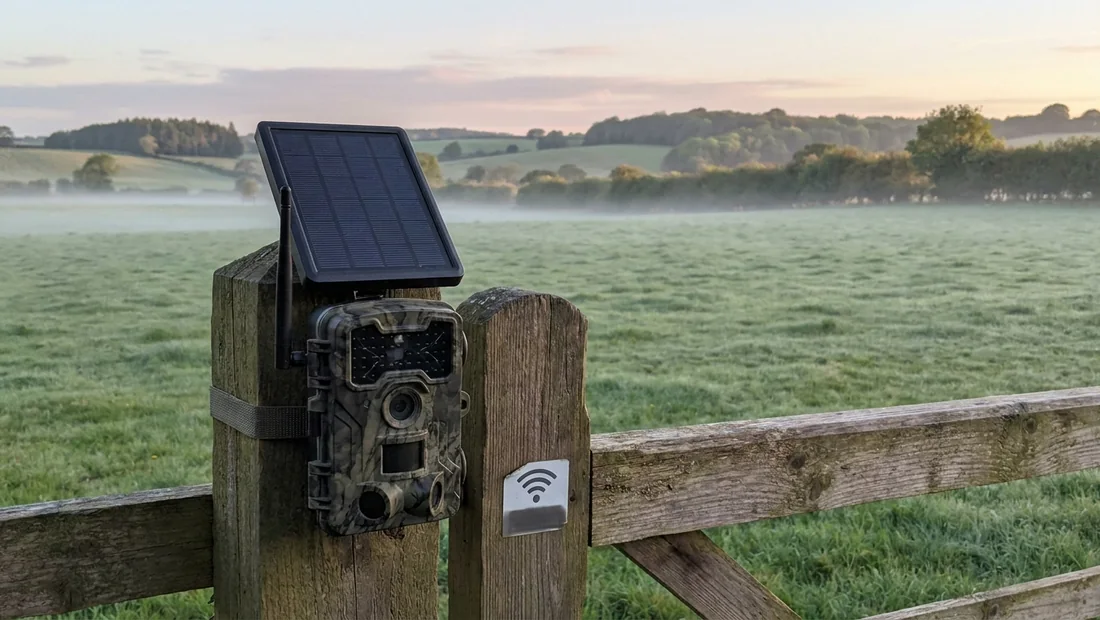
Remote cameras also drain batteries faster, because every upload uses power. For a site you visit once a month or less, a solar trail camera keeps the battery topped up, and a model such as the NaturaTrack 5K Solar 4G combines solar charging with 4G upload. Face the panel south, clear of branches and long grass.
How to pair and set up your camera in the field
Fit power and a formatted SD card
Use fresh batteries or a fully charged pack, and do not mix old and new cells, as they drain unevenly. Format the SD card in the camera itself, not on a computer, so the file structure matches what the camera expects.
Switch on and enable Bluetooth
Turn the camera to setup or test mode, then switch on Bluetooth or Wi-Fi as your manual describes. Most models only broadcast for a short time after waking, so have the phone ready.
Pair the phone beside the camera
Stand within a metre or two, open the app and connect. Set the date and time straight away. A wrong clock makes every image harder to match to a visit, and it is an easy setting to forget.
Choose photo or video and set sensitivity
Photos suit a garden where you want to identify species and count visitors, while short video clips show behaviour, such as a badger foraging. Start with medium sensitivity. Raise it for small animals like hedgehogs, and lower it where wind moves plants a lot.
Mount at the right height and angle
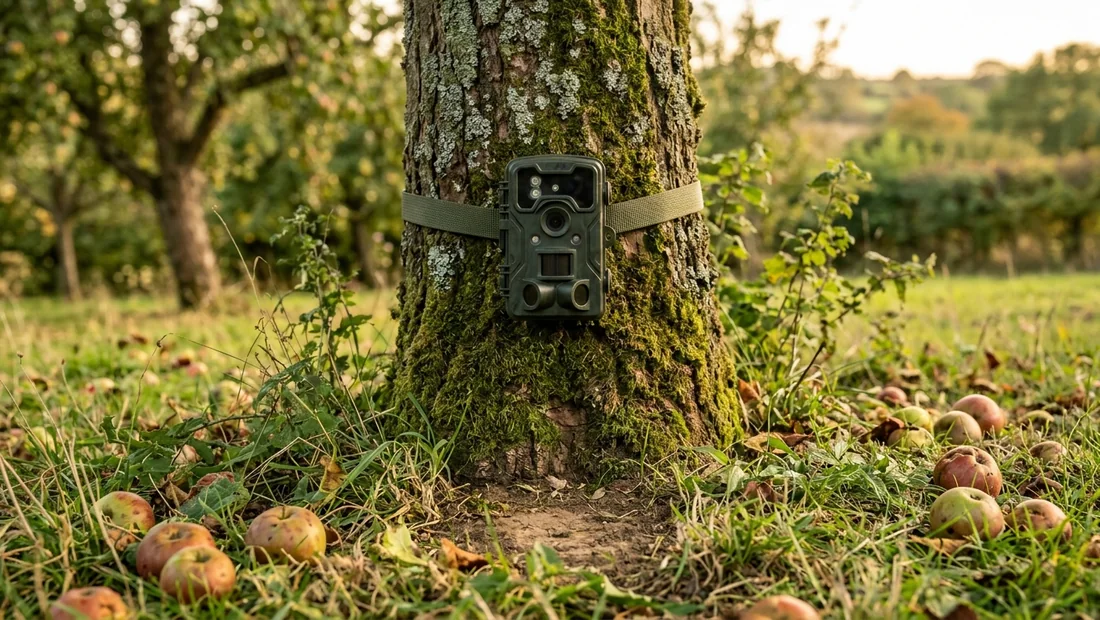
Aim for around knee height for hedgehogs, foxes and badgers, and roughly waist to chest height for deer. Tilt the camera slightly down so the sensor sees animals crossing the frame rather than the sky. A solid steel tree mount bracket keeps it steady, and L-shape fixing screws help on fence posts and timber. More fittings are in the trail camera accessories collection.
Clear the view in front of the lens
Cut back grass, bramble and low branches within a few metres. Vegetation moving in the wind or in strong sunlight is a common cause of empty images. Avoid facing due east or west, where low sun can trigger the sensor and cause glare.
Walk-test before you leave
Use test mode and walk across the area at the height of your target animal, then check the app for a response. Look at the test image for framing and focus. Adjust once and test again, and close the housing firmly so it seals properly.
Common mistakes and keeping your camera safe
Most problems with a trail camera come down to placement, batteries and visits, and a few simple habits avoid nearly all of them.
- Pointing the lens east or west puts low sun straight into the sensor, so aim north or south where you can, and clear any branch, bramble or tall grass in front of the lens, because a swaying stem can trigger lots of empty shots.
- Walking up to check the camera too often leaves human scent and disturbs foxes, badgers and deer, so a visit every two to four weeks is plenty, and checking images on your phone from a few metres away keeps disturbance to a minimum.
- Weak or mixed batteries are the usual reason a phone link drops or a camera stops in the middle of the night, so fit a full set of fresh or fully charged cells of the same type, and consider a solar charger with a foldable panel for a camera that stays out for months.
- Theft is a real risk in lanes, field edges and gateways, so mount the camera on a strap or bracket, keep it out of sight of the path, and lock it inside a steel security box fixed to the tree.
- Keep the field of view on your own land, because a camera that captures a public footpath, a road, or a neighbour's garden or windows can record people who have not agreed to it.
- UK data protection rules can apply when a camera captures identifiable people, so consider putting up signs, and check current guidance from the Information Commissioner's Office if your camera covers a farmyard or barn that others use.
- Keep well clear of active nests and of setts or roosts of protected species, as disturbing them can be an offence, and if you are unsure what lives on your site, ask your local wildlife trust before you fix a camera in place.
Which Bluetooth trail camera should you buy?
For a garden or any spot within a short walk of the house, choose a Bluetooth trail camera that also has WiFi or a built-in screen. Pairing is quick, you can check footage at close range, and there is no data plan to pay for. The 4K WiFi Trail Camera 48MP No Glow Night Vision 30m Range is a good fit for this job. Its no-glow night vision is designed to be less noticeable to foxes or badgers, and the 30m range should suit many gardens and the edges of a paddock.
For remote land, such as a far field, a woodland track or a barn you cannot see from the house, a 4G camera is the sensible choice. It sends images without you visiting, which saves disturbance and journeys. The 4G Trail Camera with 4K Video, 2 Inch Screen and Dual Night Vision has a screen for set-up on site. Other models are in the 4G cellular trail camera collection. A 4G camera needs a data plan, so factor that into the cost.
Choose power and mounting at the same time as the camera. It is simpler to buy batteries and an SD card with the camera than to sort them out after the first night out, and a strap or a lockable bracket is easier to add then too. Delivery, returns and warranty terms are shown on our shipping and returns pages, so please check them before you order.
Our picks
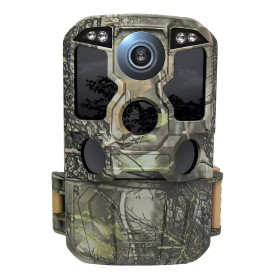
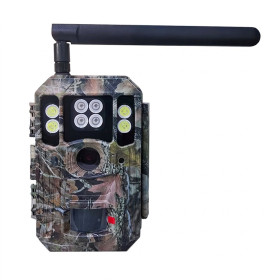
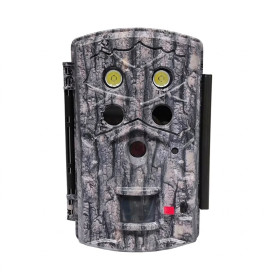
Bluetooth only works at short range, so treat it as a tool for set-up and for checking images once you are standing at the camera. Mount the unit where you can reach it quickly, ideally from a path you already use, so you disturb the ground as little as possible. If you need pictures sent from a distant field to your phone at home, a cellular model is the right choice. Our 4G cellular trail cameras are worth a look if you need remote alerts.
Choose the right trail camera for your site
Browse 4G cameras for remote land, with free tracked Royal Mail delivery and a 30-day money-back guarantee.
View 4G Cellular Trail CamerasFrequently asked questions
Do Bluetooth trail cameras send photos to my phone?
Only when your phone is close to the camera. Bluetooth is a short-range link, so you connect on site to check settings or view images. For photos delivered from a distance, from across a field or from miles away, you need a 4G cellular camera with a SIM card and a data plan.
What is the range of a Bluetooth trail camera?
The range is short, usually a few metres, and it differs between models. Trees, walls and your own body can cut it further. Check the product page for the stated figure, and expect to stand within sight of the camera when you connect to it.
Is Wi-Fi better than Bluetooth on a trail camera?
Wi-Fi usually moves photos and video faster, so it suits larger files and full-resolution clips. Bluetooth is generally simpler to set up and tends to use less power. Many cameras combine the two: Bluetooth to wake and pair, Wi-Fi to transfer the footage.
Do I still need an SD card?
Yes. The camera records every photo and clip to the SD card, and the phone link is only for viewing files and changing settings. Use a card from a known brand, format it in the camera before first use, and check the maximum size the manual allows.
Can I use a trail camera in my garden legally?
Generally yes, but point it so it does not capture neighbours' gardens, windows or public paths. Footage of identifiable people can fall under UK data protection rules, so check the current ICO guidance on domestic CCTV and cameras. Angle the camera down at a feeding spot or hedge gap.
Related posts
 Digital Camera Batteries Rechargeable: UK Buyer's Guide
 IR Illuminator for Security Cameras: What It Does and Which to Pick
 Barn Owl Camera: How to Choose and Set One Up in the UK
 Can a Trail Cam Be Used as a Security Camera?
 Best Places to Take Wildlife Photos in the UK: A Field Guide